

Table of Contents
Quick Answer (For Busy Buyers)
You don’t need engineering knowledge, custom molds, or large MOQs to design a professional custom umbrella.
With modern digital printing and pre-engineered umbrella frames, most brands can launch high-quality custom umbrellas
starting from 50 pieces, focusing entirely on design instead of manufacturing complexity.
This guide walks you through the process step by step.
Introduction: Why Most Custom Umbrella Projects Feel Overwhelming
Hi, I’m Justin.
Every week, I speak with brand managers, designers, and museum buyers who have strong creative ideas—but hesitate when it comes to manufacturing.
They worry about complicated frame engineering, expensive molds, high minimum order quantities (MOQs), and technical print requirements.
Here’s the truth: You don’t need to be an engineer to design a great umbrella.
At HF Umbrella, we handle the technical structure. Your job is to focus on the art, the brand story, and the user experience.
Whether you’re creating a corporate gift or a museum shop exclusive, this guide will take you from concept to finished product—even if you only need 50 pieces.
Step 1: Choose Your Canvas (Umbrella Size Guide)
Before designing anything, you must decide the arc size of the umbrella.
The size determines how the umbrella will be used. A golf umbrella is impractical for city commuting,
while a small umbrella won’t work for a doorman or event staff.
Recommended Umbrella Sizes
| Umbrella Type | Arc Size | Best Use Case |
|---|---|---|
| Kids Umbrella | 30″–35″ | Safety-first designs for children |
| Standard Adult | 40″–45″ | Daily commute, corporate gifts |
| Golf Umbrella | 50″–60″ | Sports events, two-person coverage |
| Beach / Patio | 7–13 ft | Outdoor promotions and displays |
Tip: You should also decide whether you need a vented canopy. Vented umbrellas perform better in windy environments such as golf courses or coastal areas.
Step 2: Craft Your Visual Strategy
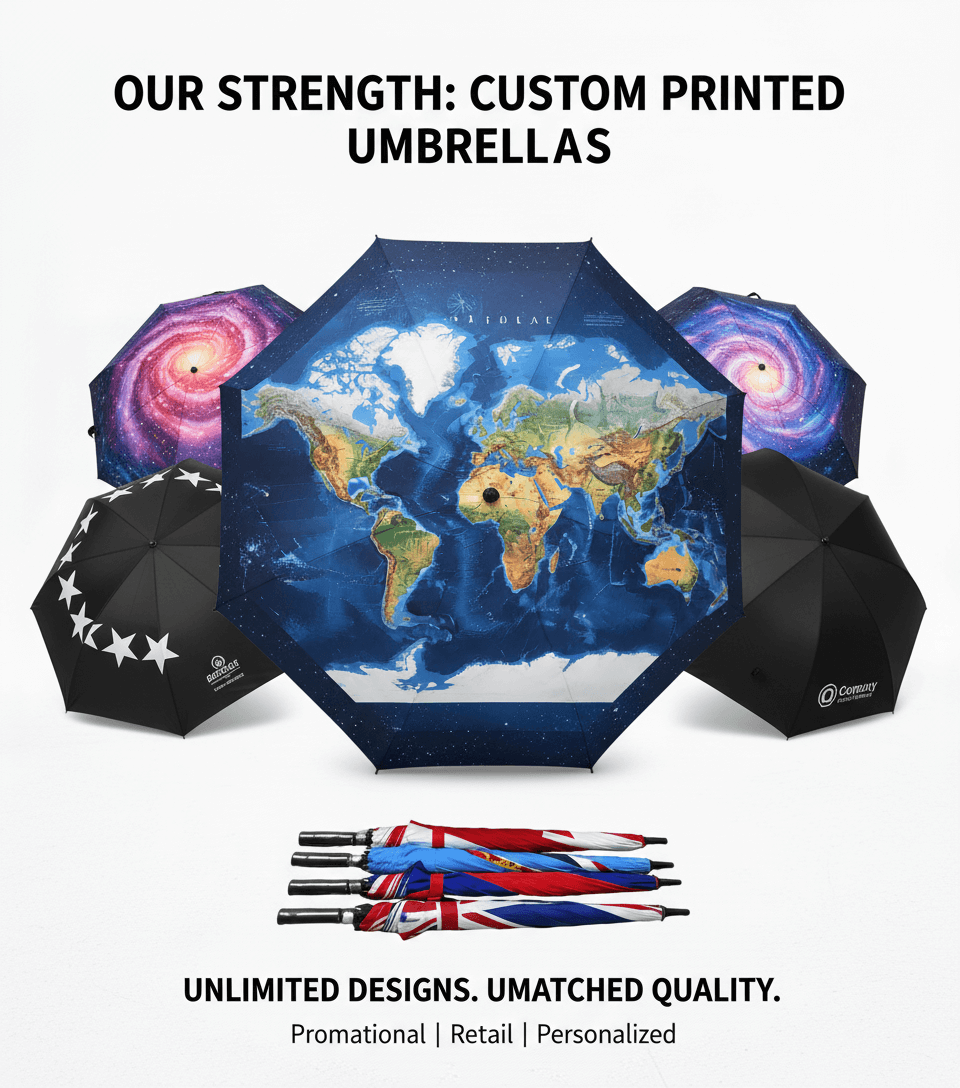
Once the size is set, it’s time to design the canopy. With modern digital printing, you’re no longer limited to simple logos or flat colors.
Corporate Branding Designs
- High contrast between logo and background
- Clean, minimalist layouts
- Fewer elements = more premium feel
These designs work especially well for executive gifts and corporate events.
Intricate & Artistic Designs
- Detailed illustrations
- Story-driven visuals
- Full-canopy artwork
Digital printing allows fine details to remain sharp, even on large umbrellas.
Geometric & Floral Designs
- Visually engaging
- Timeless appeal
- Encourages long-term daily use
Step 3: Preparing Your Artwork File (Most Common Question)
A design that looks great on screen can turn blurry or dull on a 60-inch umbrella if the file quality is insufficient.
To achieve museum-grade print quality, your files must meet these standards:
Justin’s “Golden Rules” for Print Files
- Resolution: Minimum 200 DPI at actual print size (300 DPI recommended)
- Canvas Size: At least 100 cm × 100 cm (depends on umbrella size)
- Color Mode: CMYK preferred (RGB colors may shift in production)
- Recommended File Formats:
- Vector (AI, PDF, EPS): Logos, typography, geometric designs
- High-Res Raster (PSD, TIFF, JPG): Photography and illustrations
If you’re unsure, we review files before production and flag issues early.
Step 4: Select Hardware & Fabric (The Easy Way)
Designing umbrella hardware from scratch is expensive and unnecessary for most projects. That’s why we provide pre-engineered, tested components.
Frame Options
- Fiberglass (Recommended): Lightweight, flexible, wind-resistant, rust-free
- Aluminum: Lightweight with a premium feel
- Steel: Economical and strong for budget projects
Fabric Choice
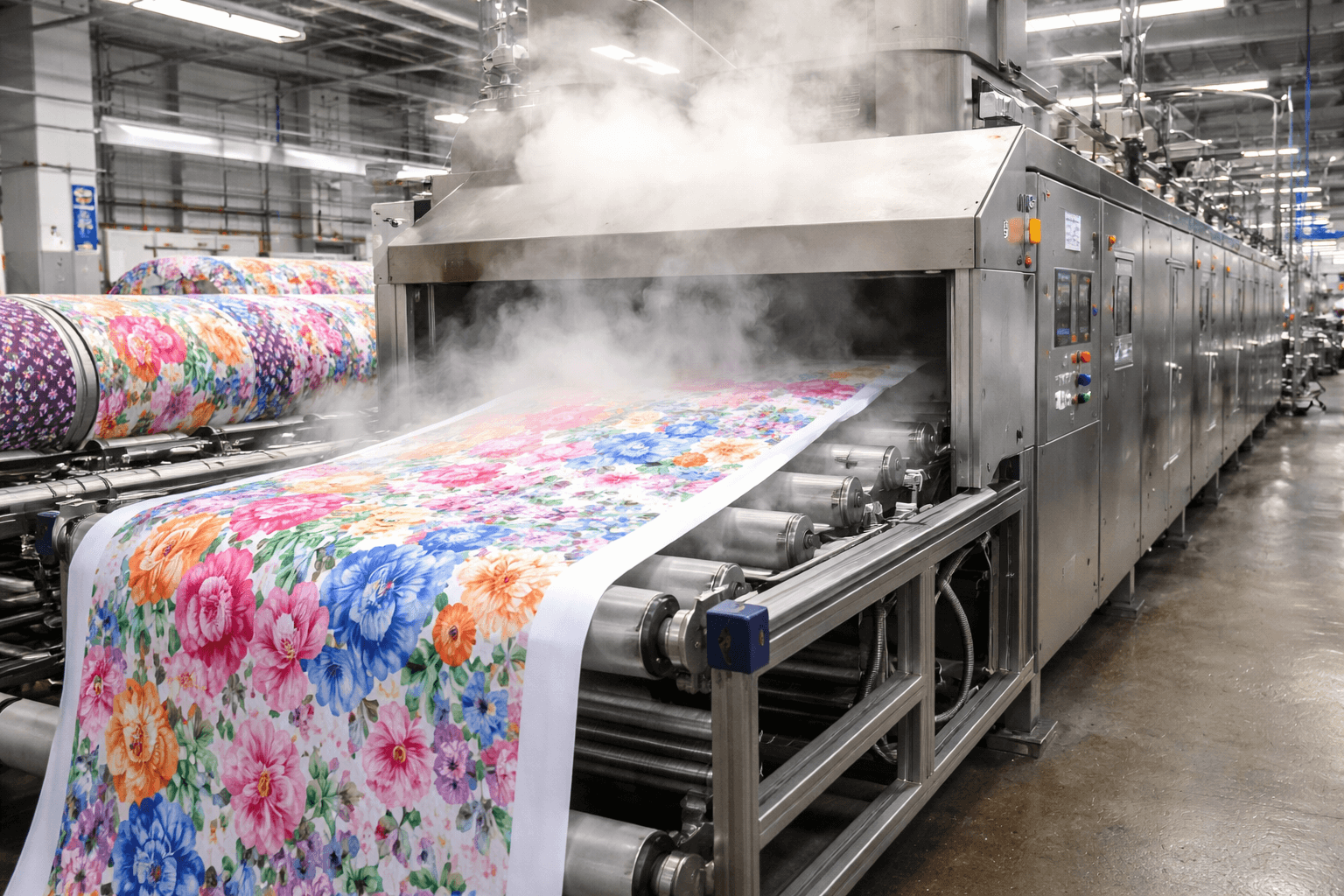
For digital printing, we strongly recommend high-density pongee over standard polyester or nylon.
It offers better color absorption, a softer touch, a premium matte finish, and reduced risk of ink bleed-through.
Step 5: The HF Advantage (Low MOQ, Low Risk)
Launching a new design always involves risk. You shouldn’t need to order 1,000 pieces just to test an idea.
That’s why HF Umbrella supports custom digital printing from 50 pieces, no mold fees for standard frames,
and fast digital mockups before sampling.
Frequently Asked Questions (FAQ)
What size umbrella should I choose?
Choose based on usage. Standard adult umbrellas (40″–45″) are ideal for daily use,
while golf umbrellas (50″–60″) offer maximum coverage for events or outdoor settings.
Can I design a custom umbrella without engineering knowledge?
Yes. Pre-engineered frames eliminate the need for technical design. You only need to provide artwork.
What file format is best for umbrella printing?
Vector files (AI, PDF, EPS) are best for logos. High-resolution raster files (PSD, TIFF, JPG) work well for photos and illustrations.
What is the minimum order quantity?
For digital printing, custom umbrellas can start from 50 pieces.
Do I need to design the umbrella frame myself?
No. Most projects use standard, tested frames that are durable and cost-effective.
Ready to Start?
Designing a custom umbrella doesn’t need to be complicated. Follow this guide, prepare your artwork,
and let our team handle the technical details.
Get a Free Quote & Digital Mockup
(No MOQ required for initial consultation)